

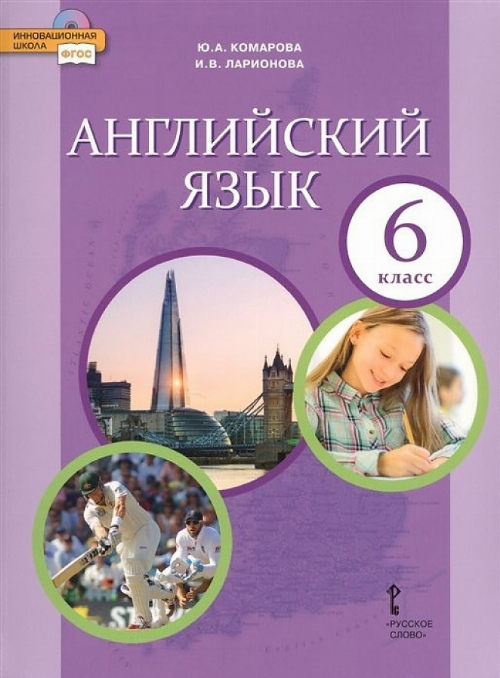
Стр.41 Рабочая тетрадь ГДЗ Комарова Ларионова 6 класс
Комарова, Ларионова
6 класс
Класс
6
Предмет
Английский
Автор
Комарова, Ларионова
Стр.41 Рабочая тетрадь ГДЗ Комарова Ларионова 6 класс
Задача
Reading 1. Read and listen. Are you a teacher’s pet? Do the quiz to find out.
Where do you sit in the classroom?
- a) at the front
- b) at the back
- c) in the middle
On the last day of school before the holidays do you …
- a) give the teacher a present?
- b) organise a party with your friends?
- c) have a normal school day?
You’ve got an important exam. Do you …
- a) study for a week?
- b) sit by somebody clever and copy?
- c) study the night before?
The teacher leaves the room. Do you …
- a) sit quietly until he / she comes back?
- b) get up and move around the class?
- c) talk to the person next to you?
The teacher asks a question. Do you …
- a) put your hand up immediately?
- b) wait for somebody else to answer?
- c) wait a few minutes and then put your hand up?
a. Now do the quiz. Circle the correct answers for you.
b. Count how many a, b and c you circled and read the results.
Tick (V) the things a teacher’s pet does.
- sits at the front of the class
- sits at the back of the class
- organises a party at the end of school
- gives the teacher a present
- talks to other students in class
- sits quietly when the teacher isn’t in the classroom
- copies from other students
- studies for a week before an exam
- always answers questions
- sometimes answers questions
Find verbs 1–6 in the text. Match them with a–f to make phrases.
1 give
2 organise
3 ask
4 study
5 wait
6 talk
- a) a question
- b) for a week
- c) a few minutes
- d) a party
- e) to your friends
- f) a present
Подробный ответ
3.
- sits at the front of the class
- gives the teacher a present
- sits quietly when the teacher isn’t in the classroom
- studies for a week before an exam
- always answers questions
4.
| 1 | 2 | 3 | 4 | 5 | 6 |
|---|---|---|---|---|---|
| give | organise | ask | study | wait | talk |
| f) a present | d) a party | a) a question | b) for a week | c) a few minutes | e) to your friends |
Другие учебники
Другие предметы